- DATE:
- AUTHOR:
- SAP LeanIX Product Team
Weekly feature improvement and bugfix summary
Diagrams
We have made two improvements to diagrams:
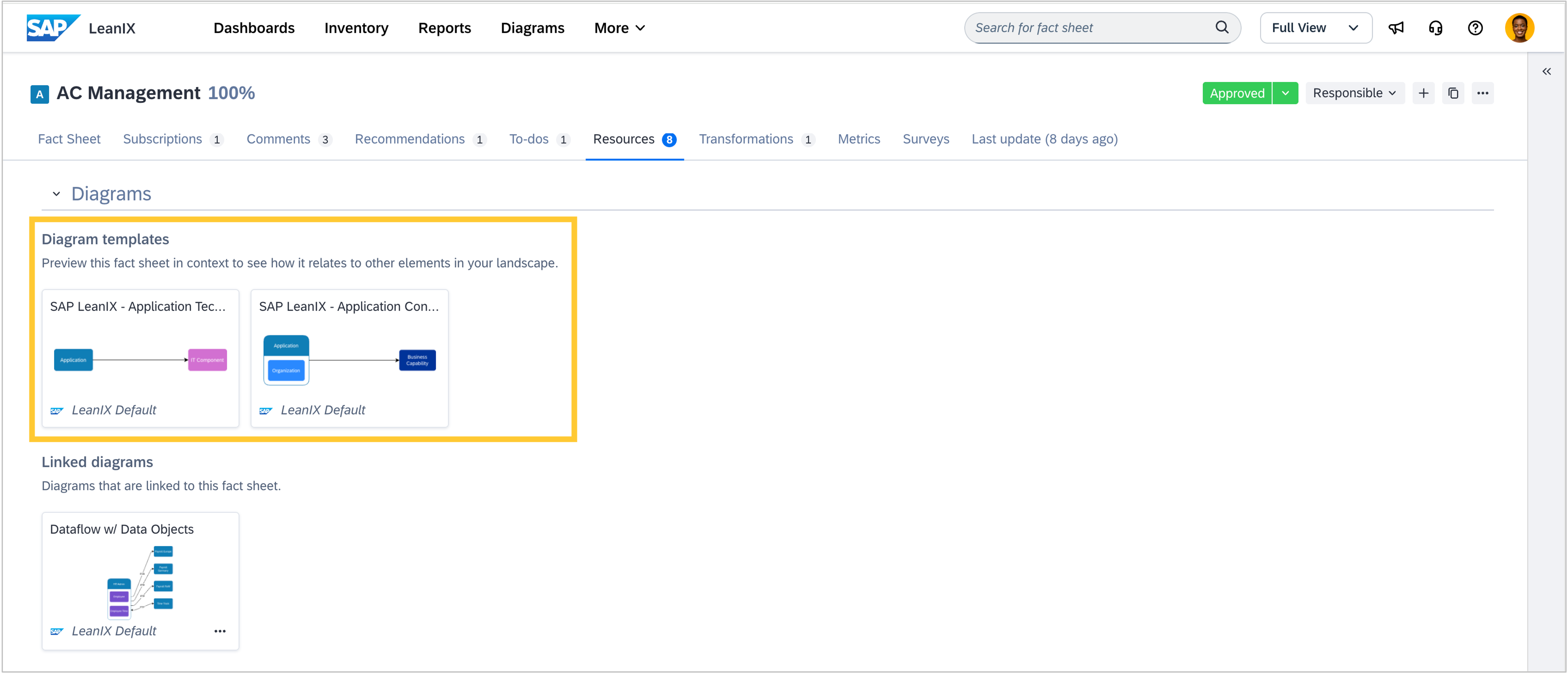
Diagram templates are now surfaced directly in the resources tab on fact sheet details pages. You can browse templates filtered by the fact sheet's type and open a preview without leaving the inventory. The other diagram sections in the resources tab have also been refreshed with a new card-based layout, consistent with the look and feel of the reports and diagrams pages.
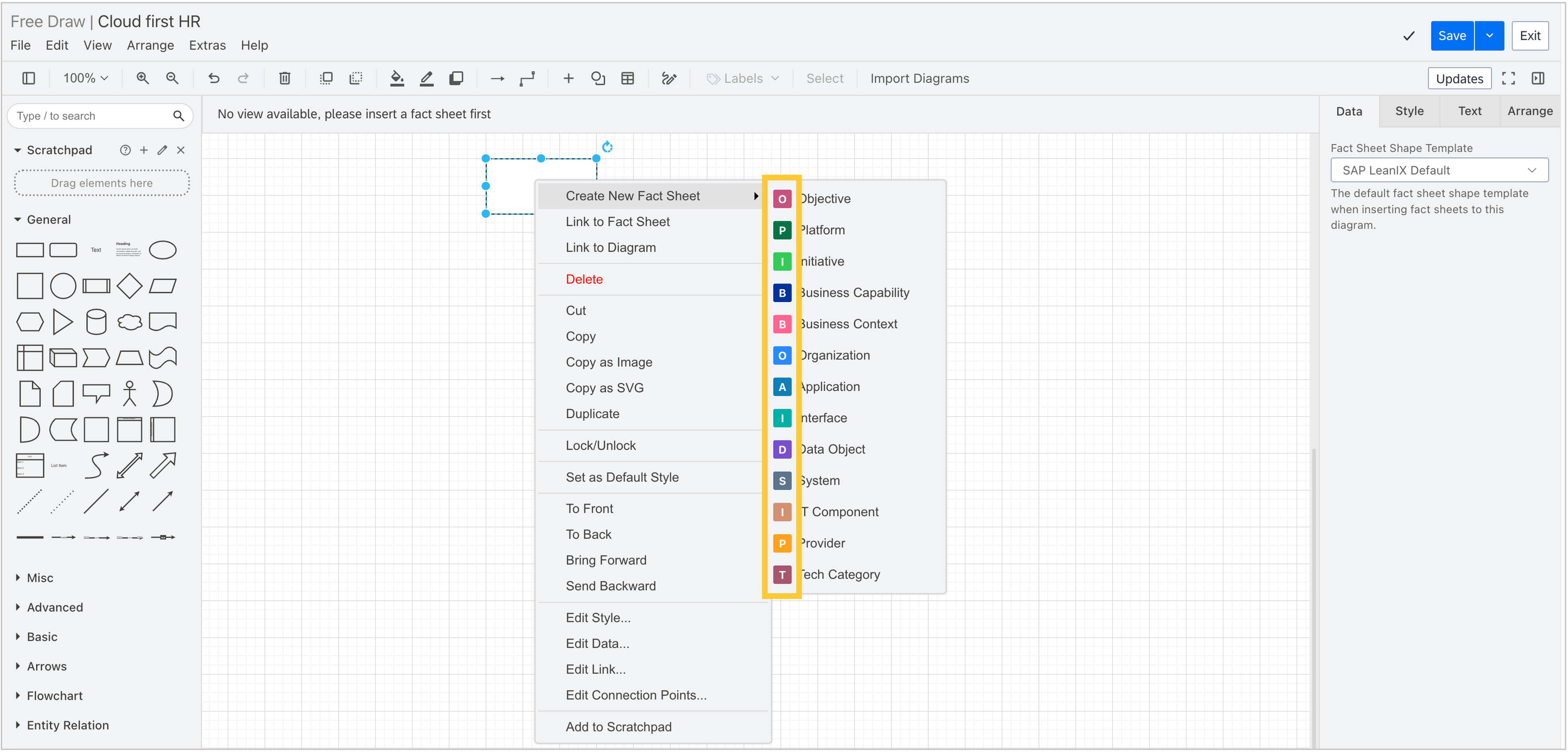
In free draw diagrams, when creating a new fact sheet from a shape, we added icons next to each fact sheet type in the creation submenu, making it easier to distinguish between types at a glance.
Integrations
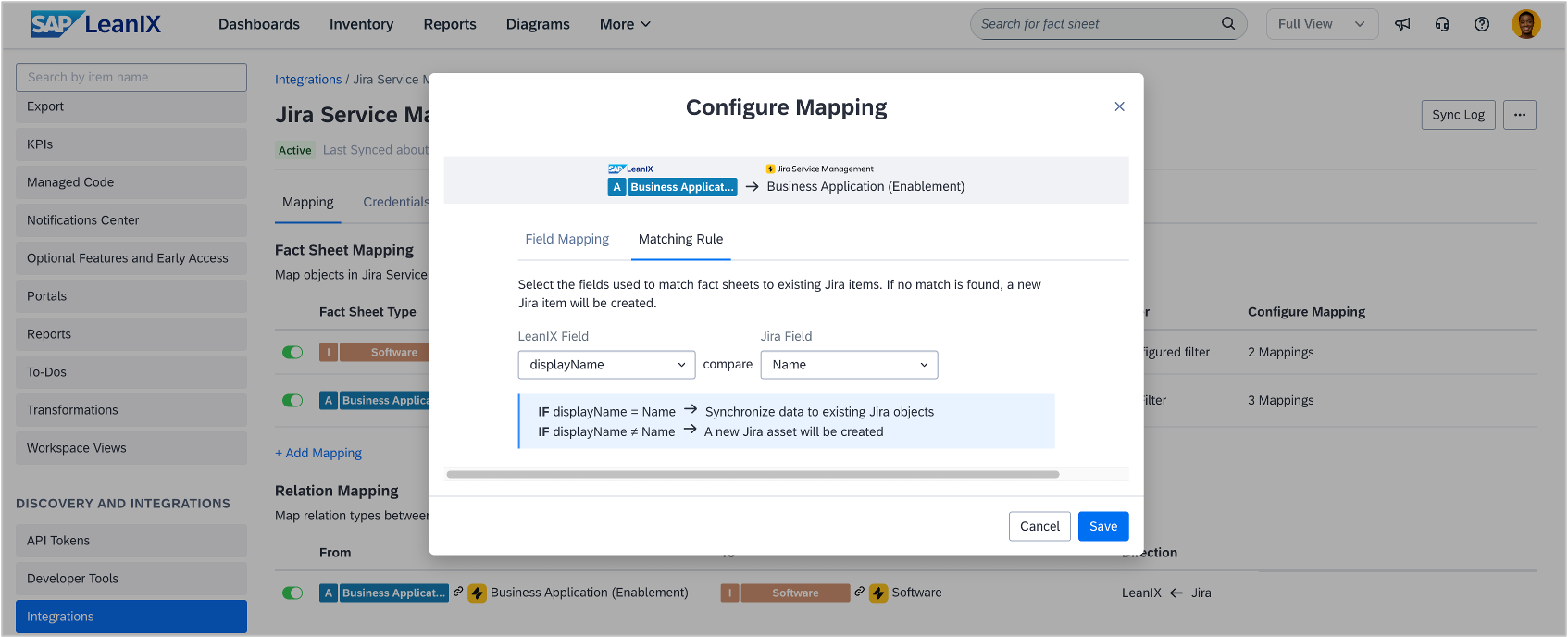
In workspaces with SAP LeanIX Technology Risk and Compliance, we added a configure-matching-rule step to the fact sheet mapping wizard in the Jira Service Management integration. Matching rules define which fields the integration uses to determine whether an incoming object or fact sheet type should be matched to an existing fact sheet or Jira object, or created as a new one. If both systems already contain data before the integration is set up, this step allows existing records to be linked and kept in sync rather than duplicated. Learn more about fact sheet mapping between Jira Service Management and SAP LeanIX in the SAP Help Portal.