- DATE:
- AUTHOR:
- SAP LeanIX Product Team
Weekly feature improvement and bugfix summary
AI agent hub
We launched an enhancement to discover AI agents via AWS, and we improved the mapping of SAP application and SAP AI agent suggestions to your reports.
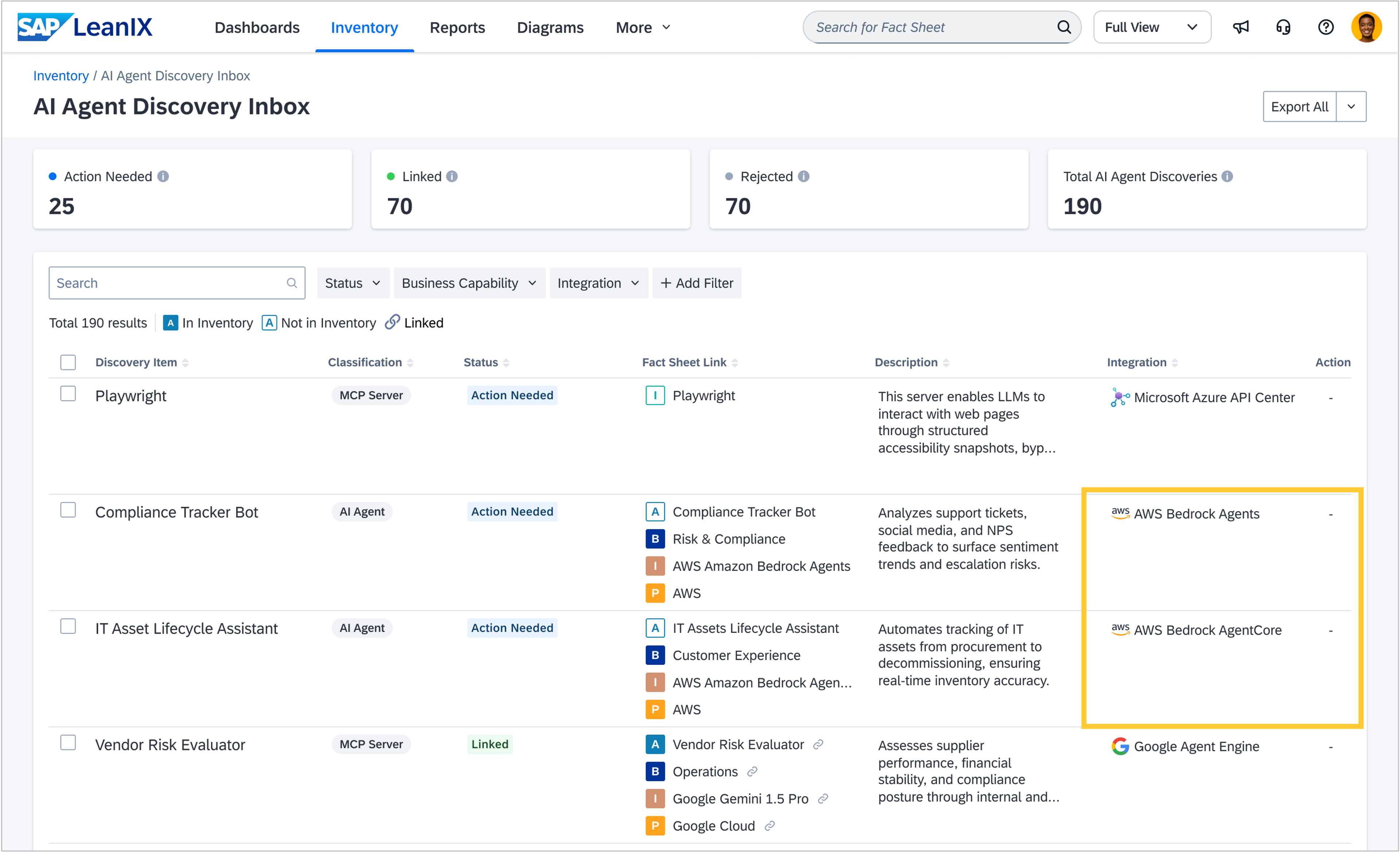
We added two new discovery sources from AWS to discover agents from AWS Bedrock Agents and AWS Bedrock AgentCore. Next to the name and description, AWS provides an indication of when an agent was last updated and its status. Additionally, identifiers appear in the AI agent discovery inbox, helping you to relate the discovered agent back to its representation on AWS.
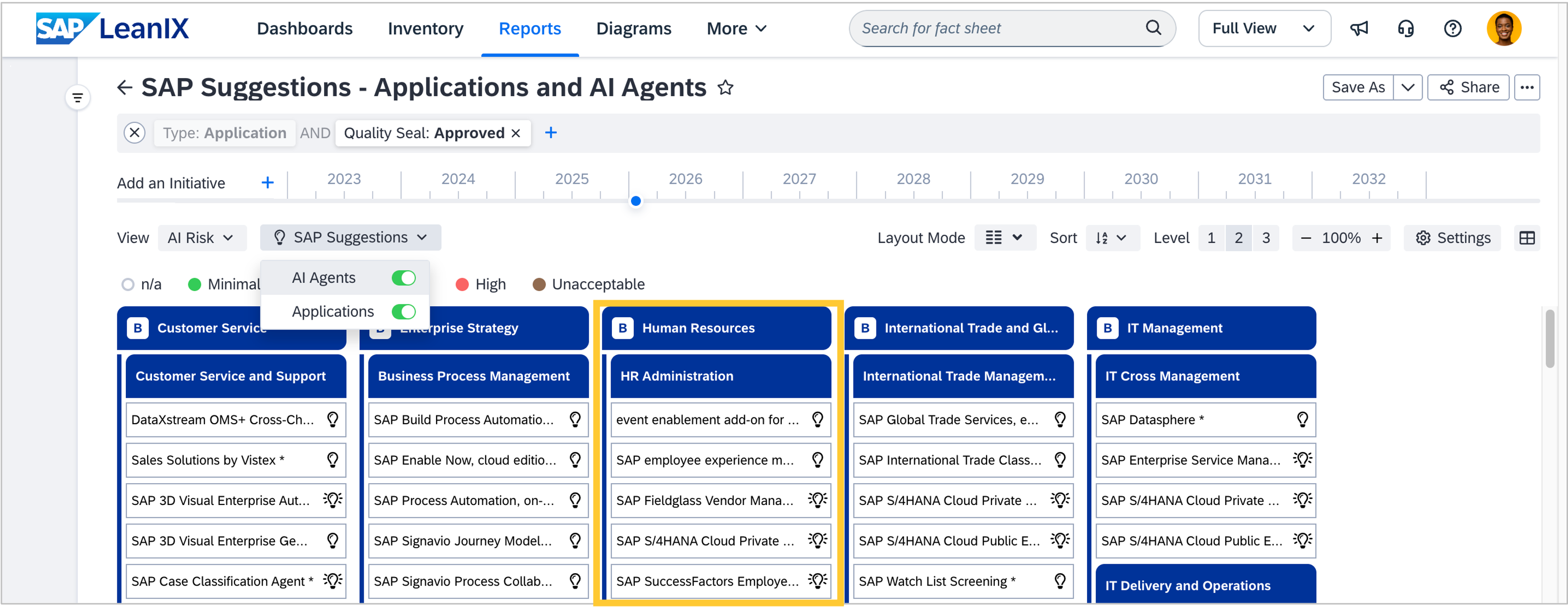
SAP suggestions in your landscape help you visualize relevant SAP applications and SAP AI agents directly in your workspace, mapped to your business capabilities. This allows you to analyze and plan your SAP adoption in context, rather than working with SAP suggestions in the catalog. Until now, suggestions were mapped only to level 3 business capabilities. If no level 3 existed for a certain capability, applications or AI agents were skipped and therefore not suggested. We now allocate SAP suggestions also to level 2 business capabilities if no level 3 is defined or visualized in your workspace. This lets you benefit from SAP suggestions also when you use a broader capability model.
Integrations
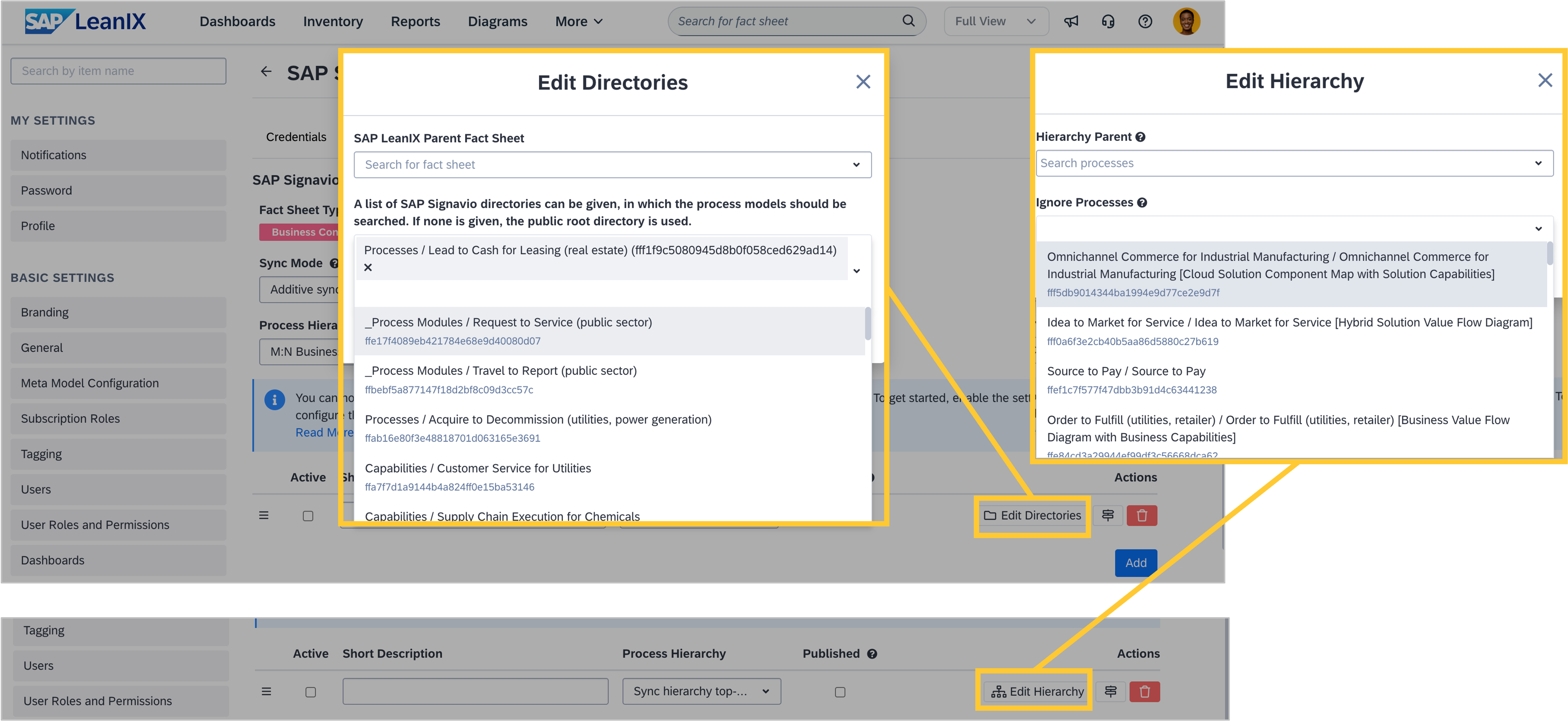
When setting up the SAP Signavio integration, we have significantly improved the search experience and performance for processes and directories. When mapping SAP Signavio processes to fact sheets, search results now load much faster, eliminating the delays and timeouts that previously occurred when entering search queries. Your data is now prefetched when you open the search and remains available throughout your session. This means you can search instantly without waiting, and subsequent searches are even quicker since the data stays readily available until you refresh the page. We have also added support for searching by UUID, giving you more flexibility in finding your processes and directories. This results in faster search results, no more timeouts when searching, and a smoother, uninterrupted search experience.
Transformations
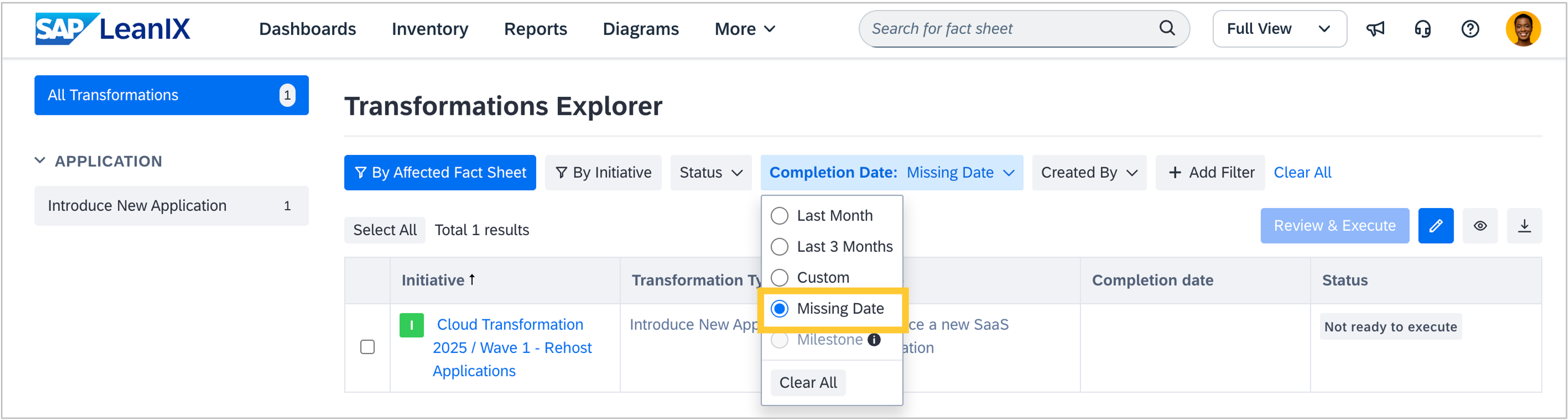
You can now filter for transformations without a completion date in the transformations explorer using the new date filter option "Missing Date”. This allows you to see all transformations that still need to be planned in one place.