- DATE:
- AUTHOR:
- SAP LeanIX Product Team
Build custom reports with your AI assistant
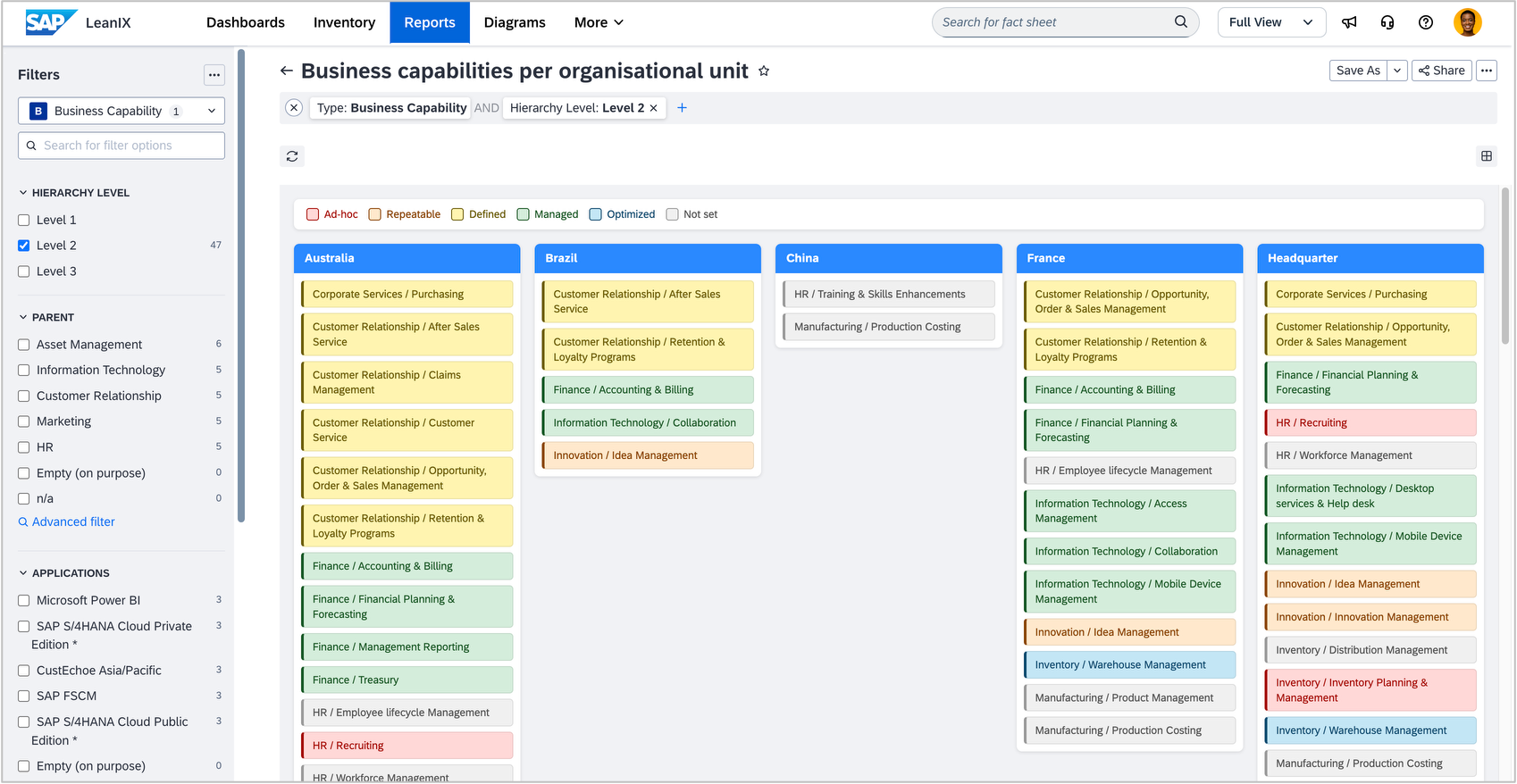
Building a custom report has typically required coding experience, so report requests often get deprioritized despite their clear value. Whether you need a visualization for an architecture review board, a presentation, or a new angle on your inventory data, tailored reports should not depend on development resources. You can now create custom reports without any coding experience.
Connect the LeanIX MCP server to your IDE, for example, Visual Studio Code, download and use the custom report creation tools, connect your preferred AI assistant, such as GitHub Copilot, Microsoft Copilot, or Claude Code, and describe the report you have in mind in plain language. The assistant generates the report code, you preview it locally against your live workspace data, and you refine the result with follow-up prompts until it looks right. Once you are satisfied, publish the report directly to your workspace.
Reports built this way support the same side-panel filters as out-of-the-box reports and are fully aware of your workspace's meta model configuration, so the output reflects your fact sheet types, relations, and field structure. As with any AI-generated output, review the result before using it to inform decisions or sharing it with others.
To get started, see Set Up Your Environment and Your First Custom Report with AI in the SAP Help Portal. Setup uses OAuth by default, so manual token management is no longer required.