- DATE:
- AUTHOR:
- SAP LeanIX Product Team
Weekly feature improvement and bugfix summary
Inventory
We have made two bug fixes in the inventory:
Users without read permissions for relations could previously still retrieve relation field data through the GraphQL API. The UI correctly enforced these restrictions, but the API path did not. Relation fields are now consistently restricted across both the UI and the API.
Deleting a relation from an approved fact sheet was incorrectly blocked when the related fact sheet was in draft status. The mandatory relation constraint should only apply to approved fact sheets, but the validation also ran against draft fact sheets, preventing valid deletions. This also affected self-referencing relation types, where the direction check incorrectly matched both sides. Relation deletions now follow the correct draft/approved logic.
Diagrams
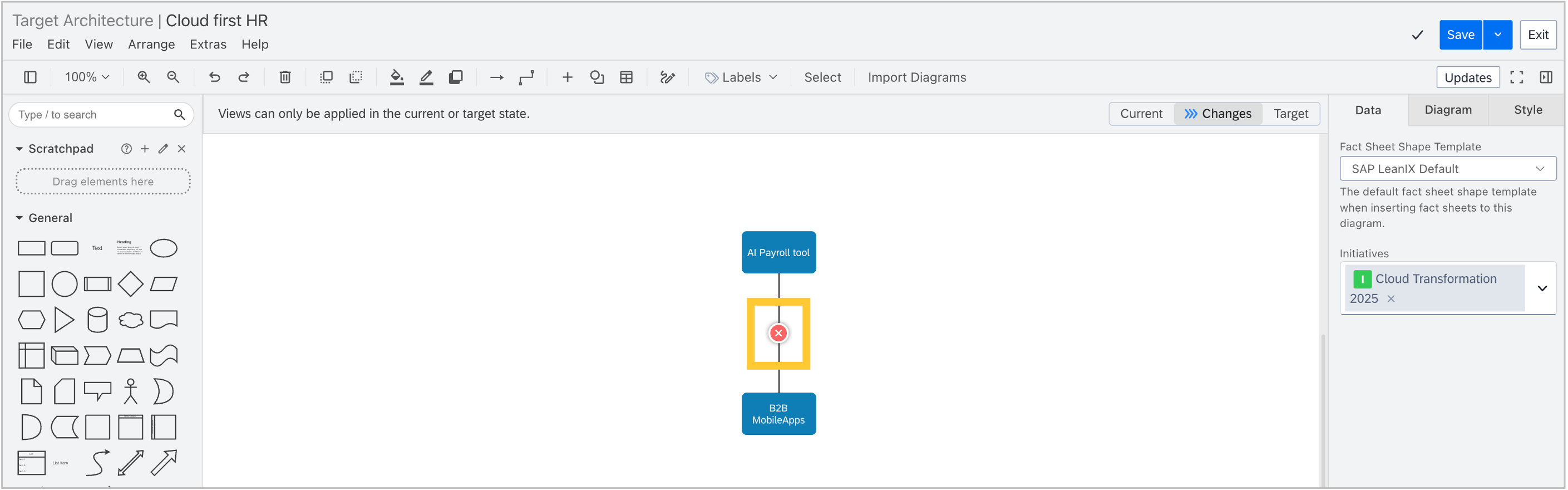
In workspaces with SAP Architecture and Road Map Planning, collapsed relations in target architecture diagrams now visually reflect transformation changes. When a transformation is applied, collapsed relations are marked as added or removed based on the detected change.
Self-built software discovery
In workspaces with SAP Technology Risk and Compliance, the Self-Built Software Discovery API now supports CycloneDX 1.7, the latest version of the format.
MCP server
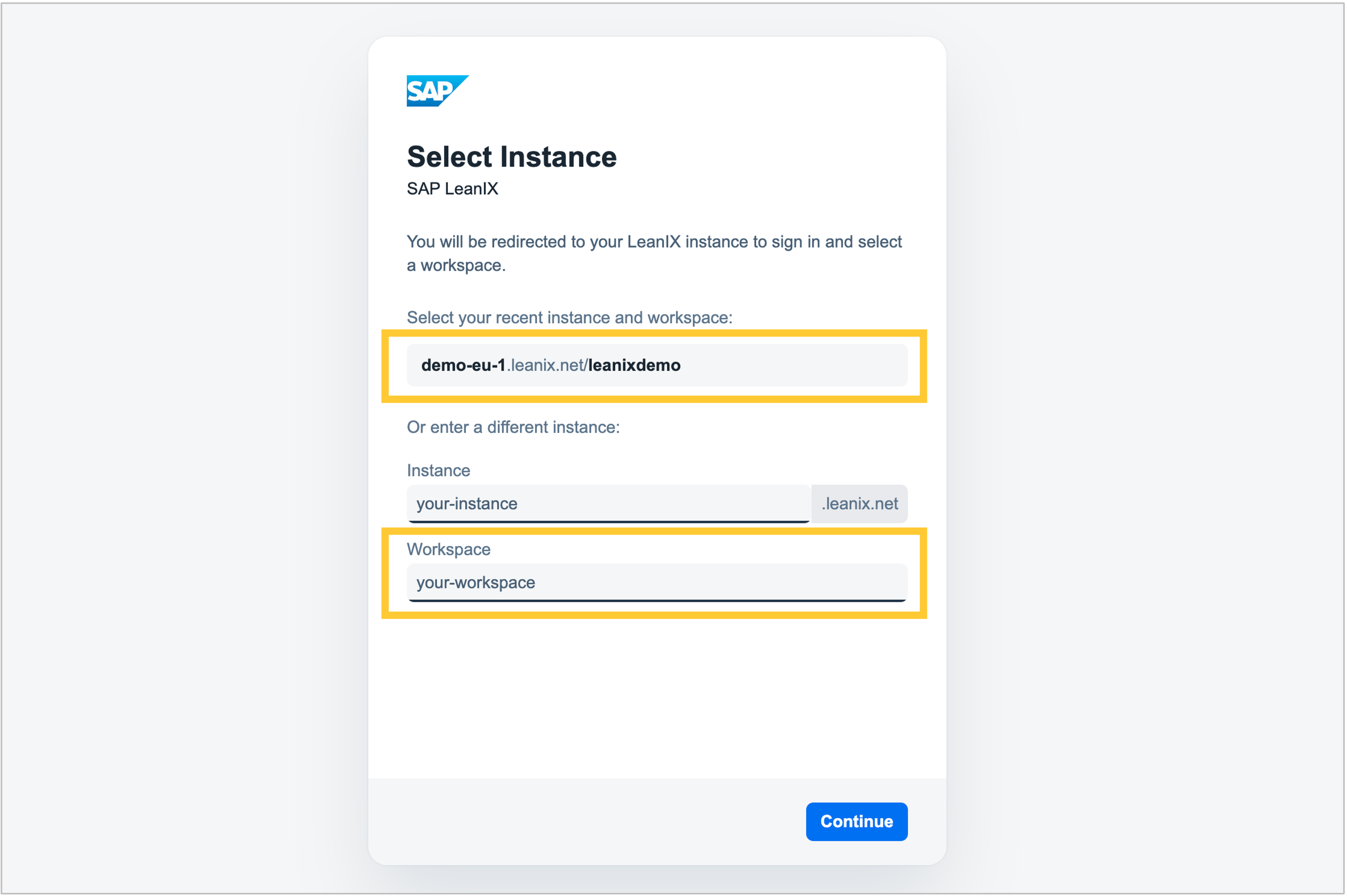
Connecting to the MCP server via OAuth now works regardless of how your workspace's authentication is configured. For this, the OAuth "Select Instance" screen now requires a workspace name in addition to the subdomain. If you have been connecting to the MCP server before, you will notice this new mandatory field on your next login. Both values can be found in your workspace URL (for example, https://[your-company].leanix.net/[workspace-name]/). Previously entered values are cached, so from the second connection onward, you can select a recent instance from the list rather than re-entering your details each time.
Next week, we plan to release the ability to define your subdomain and workspace name directly in the MCP server URL configuration of your AI client. Once set up, these values will be automatically passed to your workspace login page, so you will not need to enter them manually. For setup instructions, see the MCP server documentation.