- DATE:
- AUTHOR:
- SAP LeanIX Product Team
Weekly feature improvement and bugfix summary
Change announcement
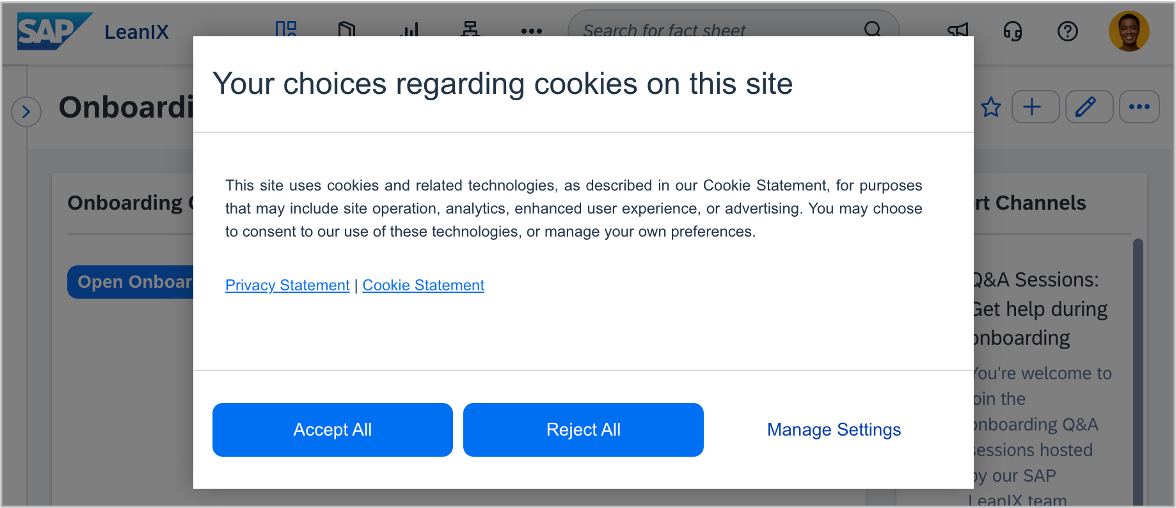
In the coming weeks, we will activate a cookie consent management platform. All users of a workspace will see a cookie consent banner once when accessing their workspace. The banner allows you to accept all cookies, reject all cookies, or manage individual preferences. No action is required ahead of this change.
Inventory
We have made one improvement and fixed one bug in the inventory:
The fact sheet details page now loads faster and responds more quickly. Redundant network requests have been reduced, GraphQL queries now fetch only the data the page needs, and rendering has been optimized to give smoother scrolling and faster interactions on standard hardware.
Replacing an existing logo on a fact sheet no longer results in a "logo not found" error. Previously, the new logo would become inaccessible a few seconds after upload, requiring users to delete the existing logo before uploading a replacement. Logos can now be replaced directly.
Diagrams
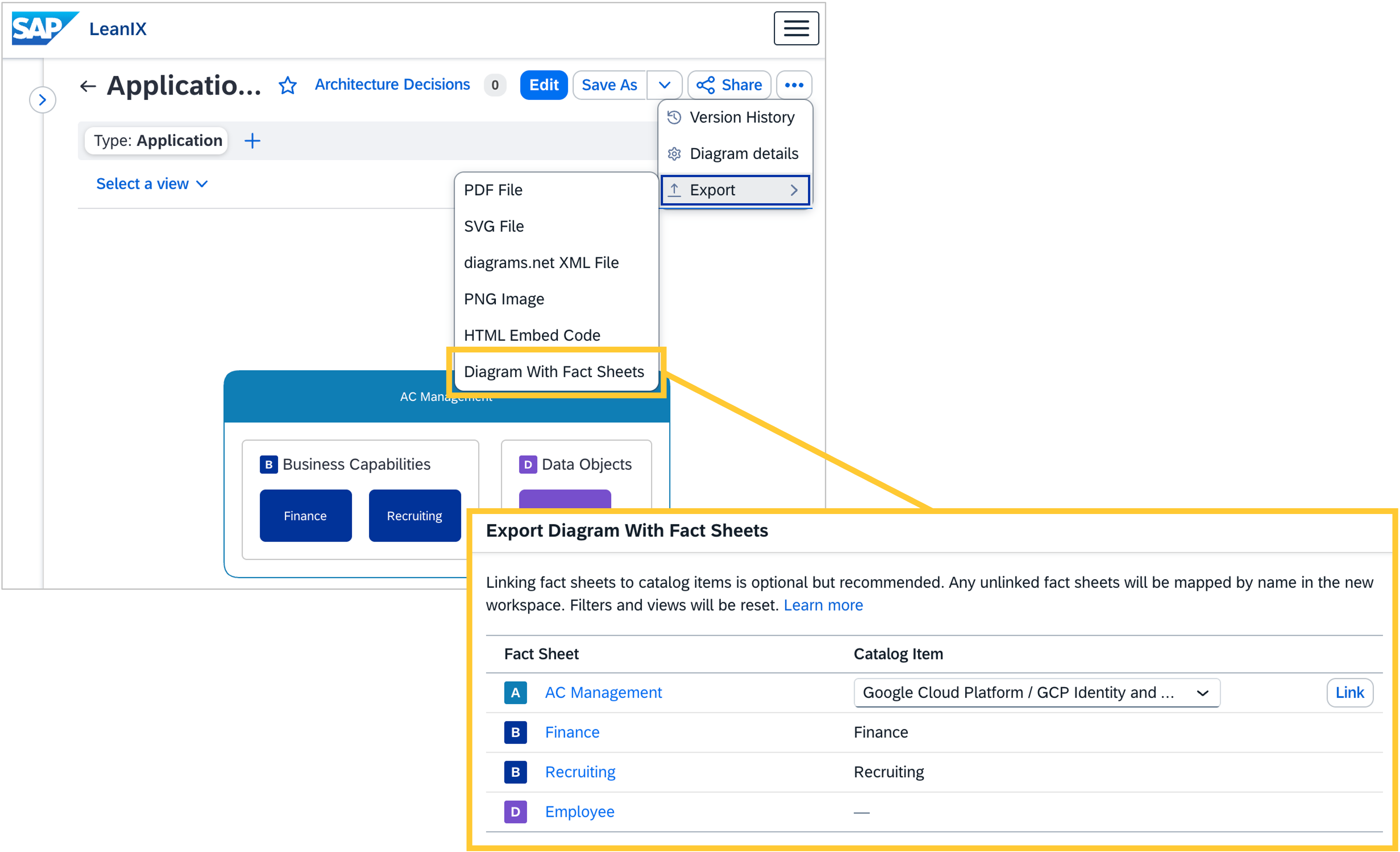
You can now transfer a free draw or data flow diagram from one workspace to another, with fact sheets automatically resolved to preserve the diagram's connections to the inventory. To export, open the three-dot menu on the diagram, select Export, and choose Diagram with Fact Sheets. Upon import into the target workspace, fact sheets are matched first by linked catalog item, then by fact sheet type and name. Fact sheets that cannot be matched are added as pending and can be resolved through the Updates flow. For more information, see Importing and Exporting Diagrams.
Meta Model Configuration
We fixed a bug where completion weight values were not visible in Firefox. Admins using Firefox can now read and edit completion weights correctly.
User and access management
Workspace admins can temporarily sign in under a different user role to see the workspace as members or viewers do. We fixed a bug that prevented the profile menu from opening after switching to a different role, making it impossible to switch back. The profile menu now opens reliably after a role switch.