- DATE:
- AUTHOR:
- SAP LeanIX Product Team
Weekly feature improvement and bugfix summary
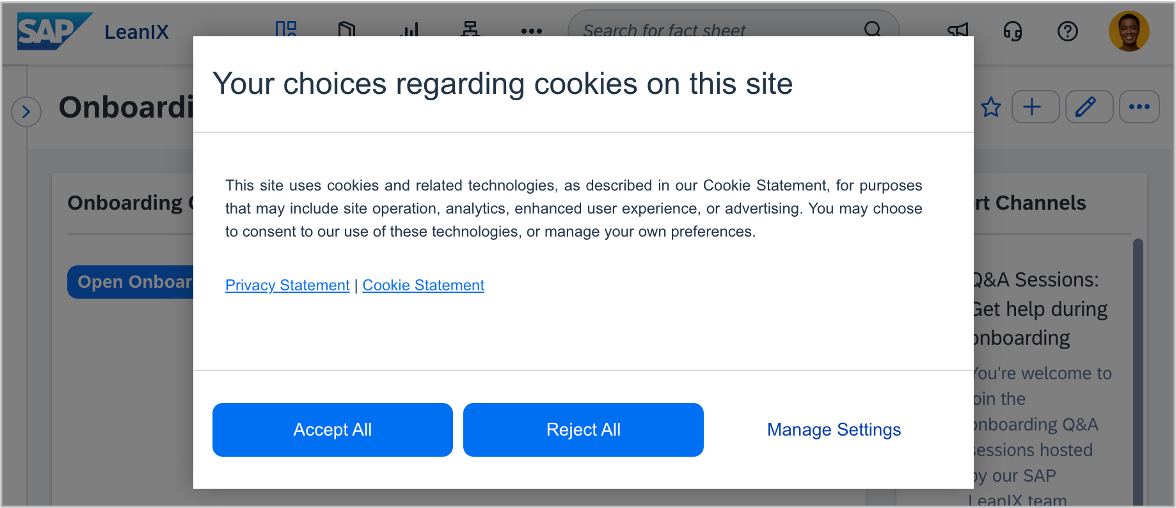
Change announcement: Cookie consent banner now live; adoption KPI figures change from December 1
As noted in our earlier heads-up, the cookie consent banner went live this week for all workspace users. Starting December 1, users who have not accepted the usage tracking cookie will no longer be counted toward certain adoption KPIs. Page views, diagram views, dashboard views, report views, portal views, and logins by job role may therefore show lower numbers than before. Affected metrics will be marked in-product. Login activity (other than logins by job role), fact sheet count, and fact sheet events are unaffected.
For the KPIs listed above, there is a chance that December data may appear with a short delay or, at worst, that data for the first few days of the month cannot be recovered. We will let you know if either situation arises. No action is required.
Custom reports
We have fixed two bugs in custom reports:
Opening a custom report while another workspace was open in a different browser tab could result in an error. The session cookie is now scoped per workspace, so reports load correctly with multiple workspace tabs open.
Certain reports showed higher fact sheet counts when opened from the reports page than when viewed in a dashboard widget. The report was not applying the default quality seal filter, which meant draft and rejected fact sheets were included. Both views now use the same default filter, and it is visible as an active filter on the report page.
AI features: availability, licensing, and cost tracking
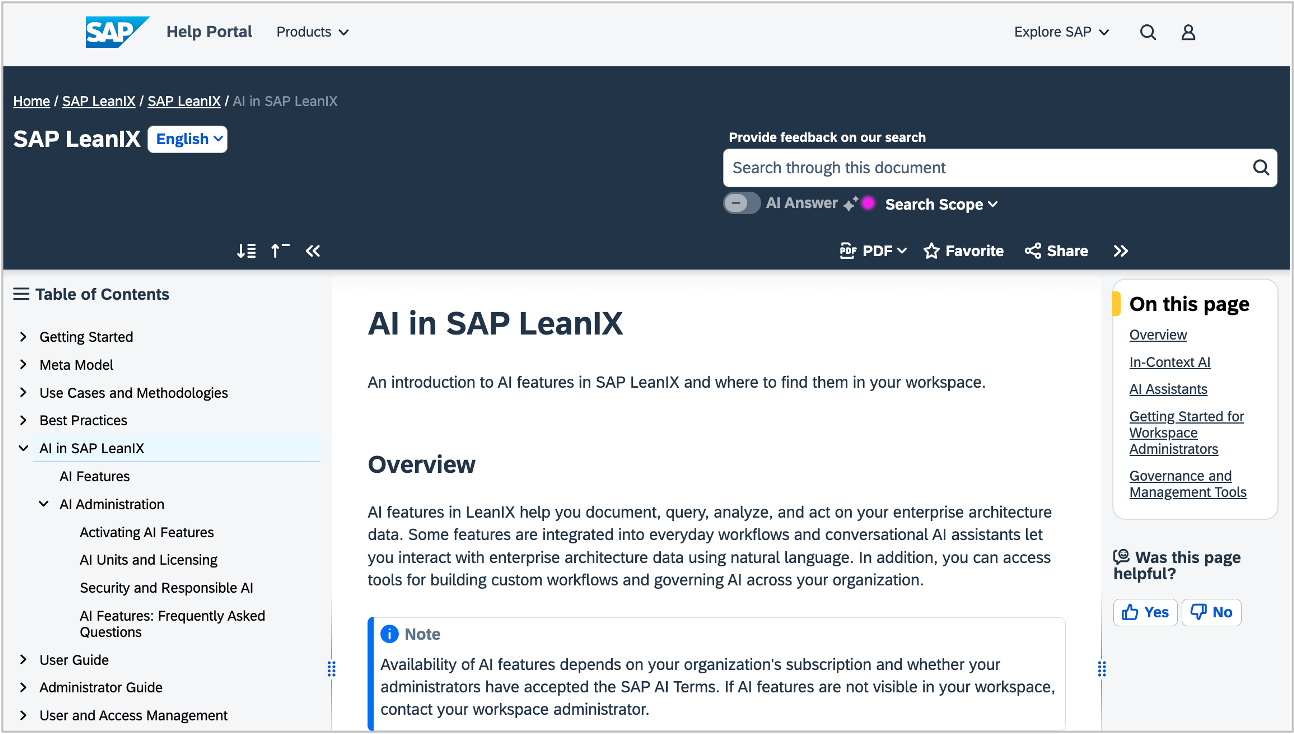
The AI features documentation in the SAP Help Portal has been restructured and updated. The new AI in SAP LeanIX section consolidates documentation on AI features, activation, licensing, security, and responsible use in one place. It is the starting point for admins who want to understand what is available, what requires additional licensing, and how to monitor usage.
As an admin, you can find all AI features available in your workspace, along with their current activation status and licensing tier, at Administration > Feature & Extension Management > AI Features (previously: Administration > Optional Features & Early Access).
AI features fall into two tiers. Base AI features are included in your subscription at no additional cost once your organization has accepted the SAP AI Terms. Premium AI features require AI units on top of your subscription; the Enterprise Architecture Assistant, for example, is a Premium AI feature. For the full breakdown, see AI Units and Licensing. The AI Agent Hub and MCP server are not part of this licensing model.
Two tools help you understand AI unit consumption at different stages. If you are evaluating the Enterprise Architecture Assistant, the usage estimator in the SAP Discovery Center gives you an initial feeling for how many AI units it might require. For actual consumption, once a Premium AI feature is in use, SAP for Me (in the recently launched Business AI dashboard; an S-user is required) provides visibility into your organization's AI unit balance and feature-level consumption. In-product visibility through workspace usage and adoption KPIs is planned. For the full SAP Business AI commercial model, including how AI units are purchased and managed across SAP products, see the SAP Business AI Commercial Model Whitepaper.