- DATE:
- AUTHOR:
- SAP LeanIX Product Team
Configure automations and calculations in plain English and see every run
Workspace admins can now configure automations and calculations without writing a single line of code, and see exactly what happened in every automation run.
Automations
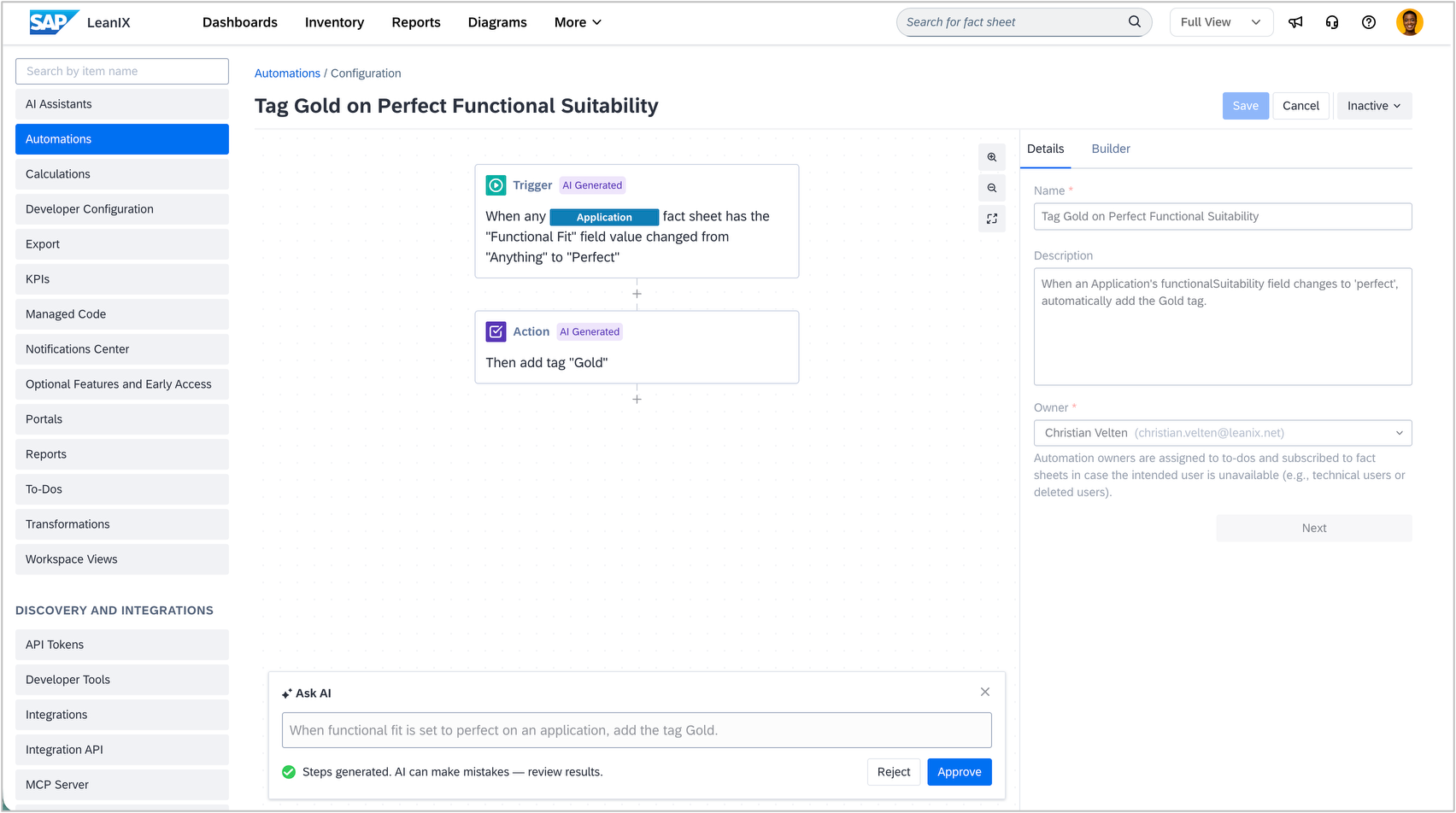
Describe your workflow in plain English and get a fully configured automation, including triggers, conditions, and actions, ready to activate. The generated automation references your workspace meta model, so triggers and conditions use your actual fact sheet types, fields, and subscription roles. Every result is editable before you go live. For example: "When the lifecycle phase of an application fact sheet changes to End of Life, send an email to all subscribers."
When an automation fails, you now see exactly which action failed and why. The execution log shows the full run history and can be filtered by status, date, automation name, and fact sheet, plus a per-action timeline for every run.

Calculations
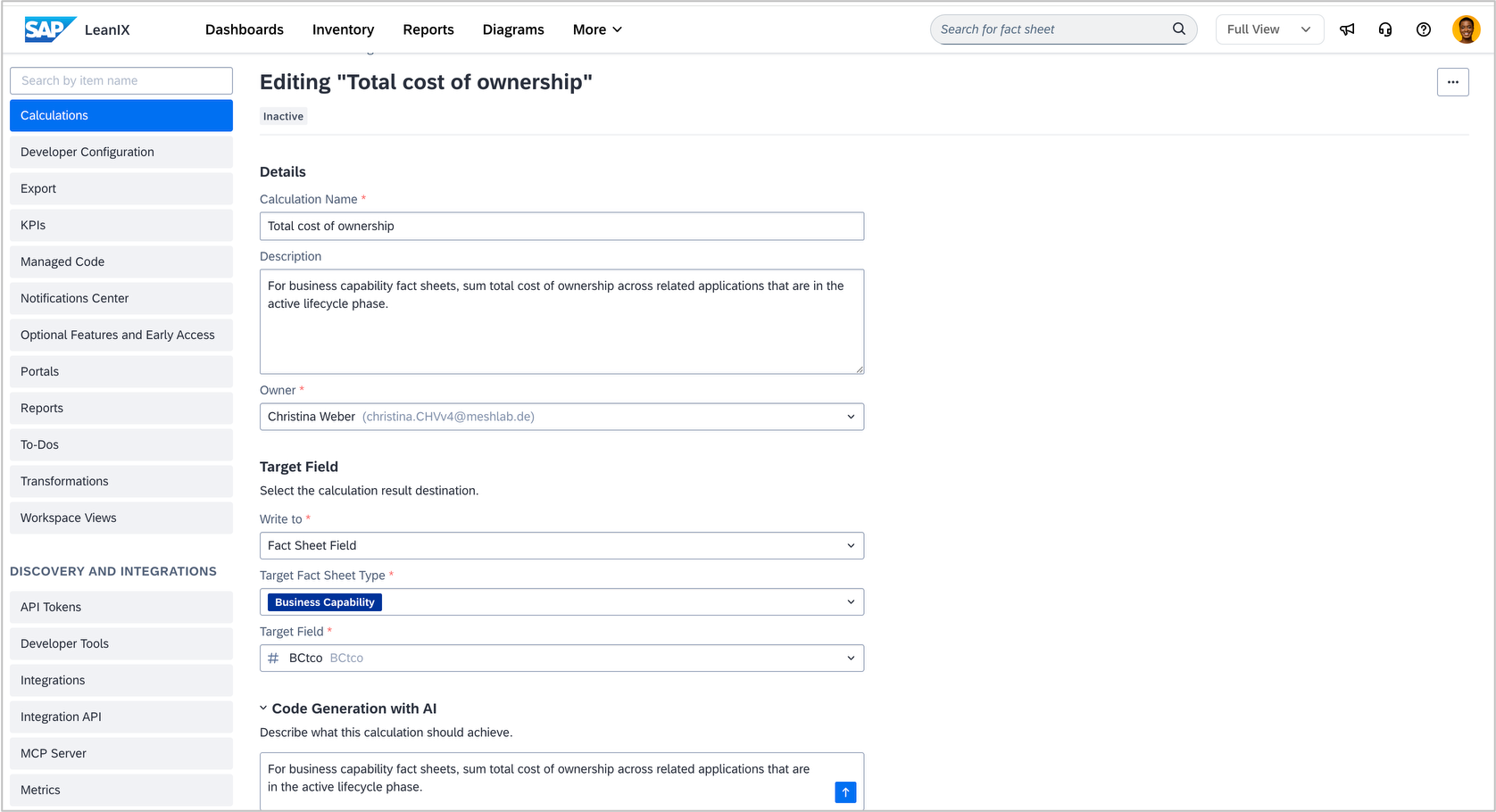
Describe the metric or field logic you need and get a ready-to-run formula, aware of your workspace's fact sheet types, fields, and relations. Previously, this required writing JavaScript, which is no longer the case. The generated code includes inline comments so you can verify the logic before activating. For example: "For business capability fact sheets, sum total cost of ownership across related applications that are in the active lifecycle phase."
The enhanced configurations for automations and calculations are part of base AI capabilities. They require signed AI terms and activated base AI capabilities, but no AI credits. The execution log for automations is available in all workspaces.