- DATE:
- AUTHOR:
- SAP LeanIX Product Team
Weekly feature improvement and bugfix summary
Inventory
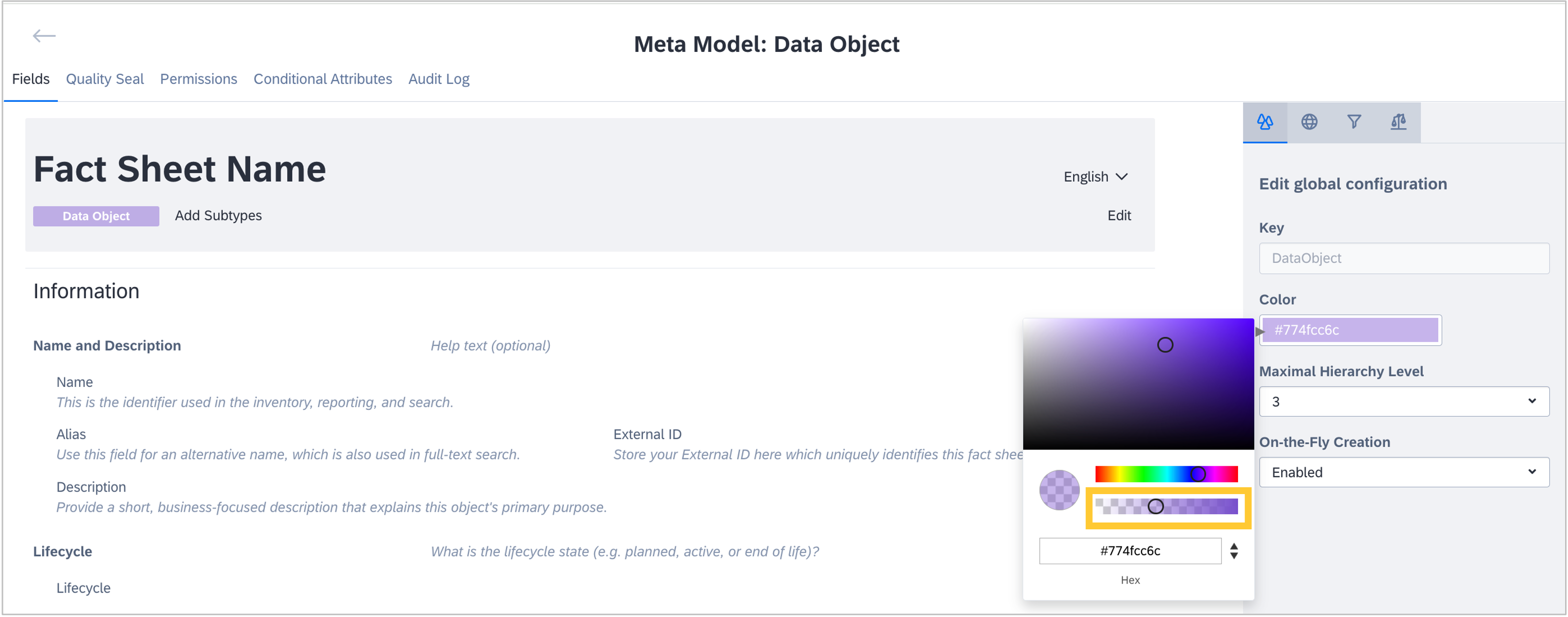
We fixed a bug in the meta model configuration that prevented color opacity changes for fact sheets from being saved. When adjusting the opacity, the value defaulted to 1, preventing the changes from being submitted. Opacity changes are now correctly detected, saved, and can be submitted as expected.
Reports
When filtering for "n/a" relations in reports, fact sheets marked as "Empty on purpose" were incorrectly included in the results. This has been fixed — filtering for missing relations now correctly excludes fact sheets where the relation has been explicitly set to an empty value, aligning the behavior in reports with how it already works in the inventory.
Integrations
When leveraging the SAP Cloud ALM Integration for SAP discovery, we released two improvements:
We significantly reduced the time it takes from starting the discovery sync to discovered items being visible in the SAP discovery inbox from typically over 10 minutes to 2 minutes.
We fixed a bug in the functionality to discover flows that, in some cases, prevented all available flows from being shown in the discovery inbox. This has now been fixed, and all discovered flows will be visible in your discovery inbox as expected. Please keep in mind that this discovery requires an active use of the integration & exception monitoring functionality in SAP Cloud ALM.
Transformations
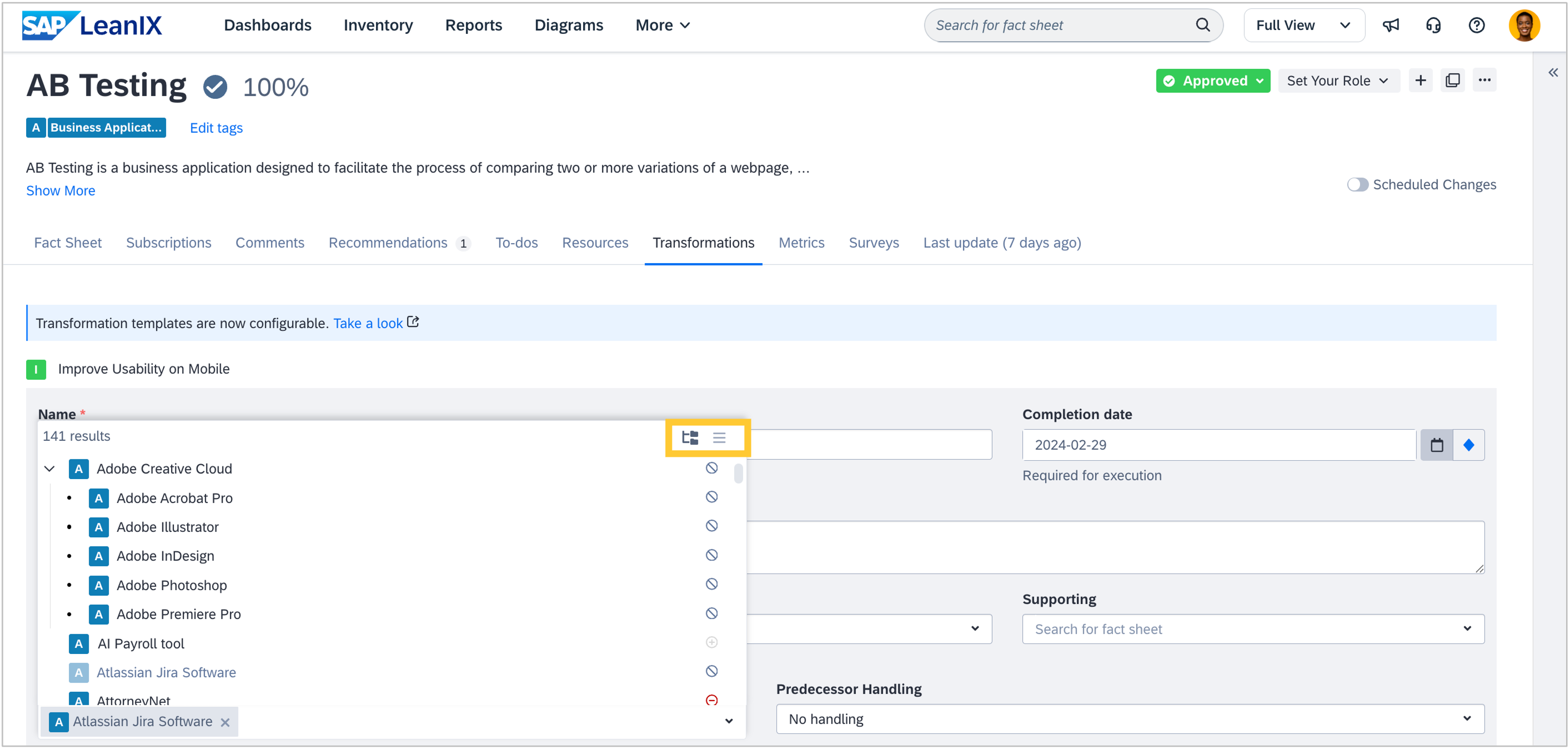
All fact sheet select and multi-select components across transformations now support tree navigation, allowing you to drill down through your fact sheet hierarchy to find the correct entry more quickly. This view, already familiar from the inventory, is now the default in transformations, with the option to toggle back to a flat list.
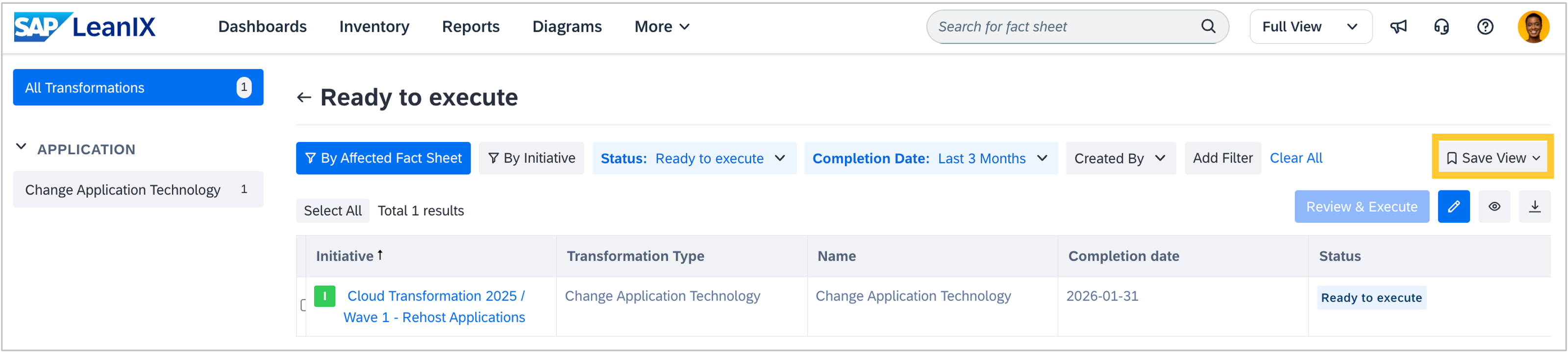
In the transformations explorer, you can now save, reuse, and manage your preferred filter configurations. Previously, filters reset after page refresh or navigation, requiring you to rebuild them manually each time. With this improvement, you can save the currently applied filter combination with a custom name, retrieve and apply saved filters instantly, and edit or delete them as needed. Saved filters are user-specific and not visible to other users.
Reference catalogs
We added Sports & Entertainment as a new industry in the business capability reference catalog, including the capability "Sports Player and Team Management" and its corresponding child capabilities. Furthermore, mobile applications are no longer suggested as application fact sheets in the catalog, in line with our application modeling guidelines. Lastly, the level 2 business capability "Hydrocarbon Supply and Primary Distribution" has been renamed to "Bulk Logistics". If you have previously imported this capability and its child capabilities, they will appear as "not in workspace" because their display names differ from the new names; they will remain linked to your existing data.